

OpenAI’s latest GPT-4 model is a game-changer, offering a significant upgrade with advanced features like multimodal capabilities, meaning it can understand both text and images. It also performs impressively in reasoning tests and supports around 26 languages.
However, to access GPT-4 directly through ChatGPT, you need a ChatGPT Plus subscription, which costs $20 per month. Despite this, there are a few ways to use GPT-4 for free through external services like Microsoft Copilot. Microsoft, in partnership with OpenAI, allows users to access GPT-4’s power through its AI chatbot on Bing.
All you need is a Microsoft account to experience the capabilities of GPT-4 for web searches, writing assistance, or even image generation through DALL-E 3. While GPT-4 remains the gold standard for large language models, some services provide limited free access, making it possible to tap into its advanced features without the monthly fee.
How to Use ChatGPT 4 For Free?
Many people hesitate to spend money on the latest GPT-4 features; some can’t afford the paid subscriptions. No matter the reason, we have 8 websites with handy tricks that will let you access and enjoy the exciting features of GPT-4 for free!
1: Microsoft Copilot or Bing
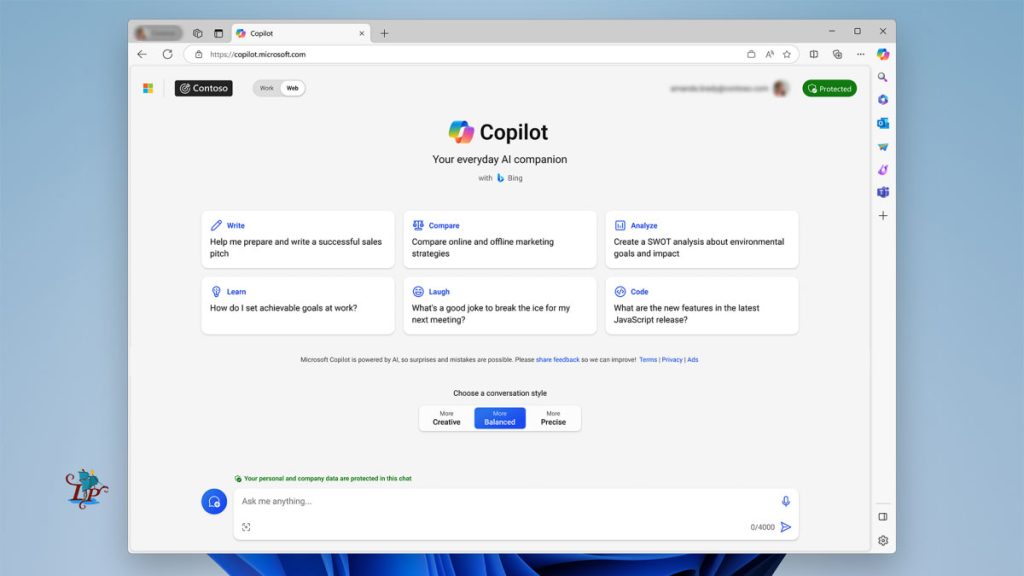
If you’re looking to use GPT-4 without paying for a subscription, Microsoft Copilot is one of the easiest ways. Thanks to Microsoft’s partnership with OpenAI, Copilot is built on the same AI model as OpenAI’s most advanced tools.
How to Use ChatGPT 4 for Free through Microsoft is straightforward—all you need is a Microsoft account, and you can access Copilot through Bing, Microsoft’s search engine, right on the Bing.com homepage. It’s great for web searches, and you can also use it as a writing assistant or for generating images through Microsoft Designer, which uses the DALL-E 3 model (just like ChatGPT).
2: Perplexity.ai
Using ChatGPT-4 for free on Perplexity AI, a smart search engine, is easy. First, open your browser and visit Perplexity AI’s website to explore How to Use ChatGPT 4 for Free on this platform.
Once you’re in, look for the “Copilot” option on the main page and switch it on—this activates ChatGPT-4, enhancing your search results. Keep in mind that free users might have a limit on the number of queries they can make in a certain timeframe, so use your searches wisely.
Although it’s not designed for writing long texts or generating images, it does offer a solid alternative for research and brainstorming. One thing to remember is that its GPT-4-based Copilot feature limits you to five searches every four hours, due to the cost of the OpenAI API.
3: Forefront AI:
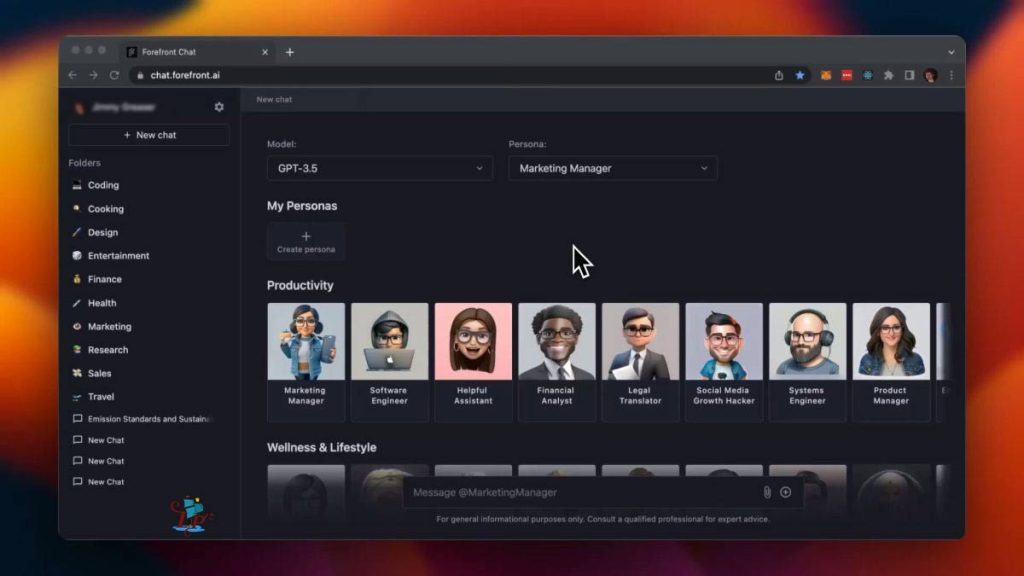
Forefront AI makes it easy to chat with ChatGPT-4 for free, and it’s designed to feel personalized and fun. If you want to know How to Use ChatGPT 4 for Free with a personalized touch, just head over to their website and sign up, or log in if you’ve already got an account.
Once you’re in, you’ll get to choose a persona for your chatbot—whether it’s a fictional character, a celebrity, or even a historical figure. After picking one, you can dive right into chatting! The chatbot runs on ChatGPT-4, so you’re guaranteed smooth and engaging conversations.
One of the best parts about Forefront AI is that you can switch between GPT-3.5 and GPT-4 whenever you like, which changes up how the chatbot responds and makes things even more interesting. Plus, if you want to shake things up, you can switch personas in the middle of a chat. All these options make Forefront AI super flexible and fun to use, giving you a great way to see what ChatGPT-4 is capable of.
4: Poe.com
Poe, created by Quora, gives you access to various AI models, including GPT-4, all from a single platform. While How to Use ChatGPT 4 for Free on Poe may come with daily usage limits, the platform often reopens GPT-4 interactions regularly, allowing users to enjoy its advanced capabilities.
Besides GPT-4, you can also try other models like Meta’s LLaMA and Anthropic’s Claude, which are worth checking out if you need AI support for writing or coding tasks.
5: Merlin Chrome Extension
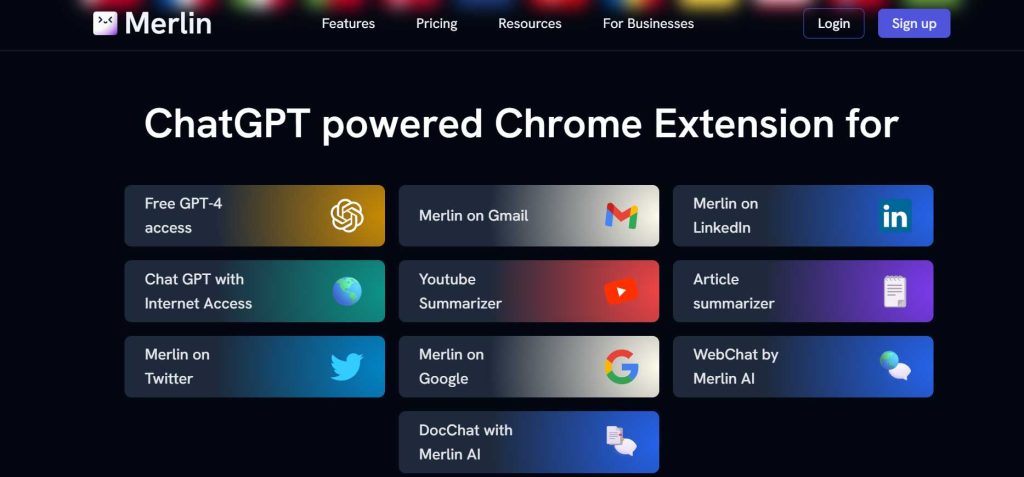
Merlin is a Chrome extension that gives you access to several large language models, including GPT-4, directly from your browser. Visit Merlin’s Chrome extension page and click “Add to Chrome” to install it. After installation, pin the extension for quick access.
To use it, open any website or search engine and click the Merlin icon. In the dropdown menu, select “GPT-4” (note that GPT-4 uses 10 of your 51 free queries). You can also enable web access if needed. Once set up, start interacting by typing in your prompts, and Merlin, powered by ChatGPT-4, will provide responses based on your input.
While it might not be ideal for long-term use, Merlin is a great way to get a feel for GPT-4 and decide if a subscription is worth it for you.
6: Hugging Face:
Hugging Face has a free platform called “Chat-with-GPT4” that lets users interact with the latest GPT-4 model easily. Here’s how to get started:
First, head to the Hugging Face website and find the ChatGPT-4 web app. The platform has a simple, user-friendly interface where you can type in text and start chatting right away. If you want to use your own Hugging Face API key, there’s a spot for you to add it in the settings.
While Hugging Face offers free access, keep in mind that high demand might cause some delays in responses, so you might need to wait a bit. To avoid these queues and get faster replies, you can duplicate the app and connect it to your API key. This gives you a more private and quicker experience when using ChatGPT-4.
7: Ora.sh
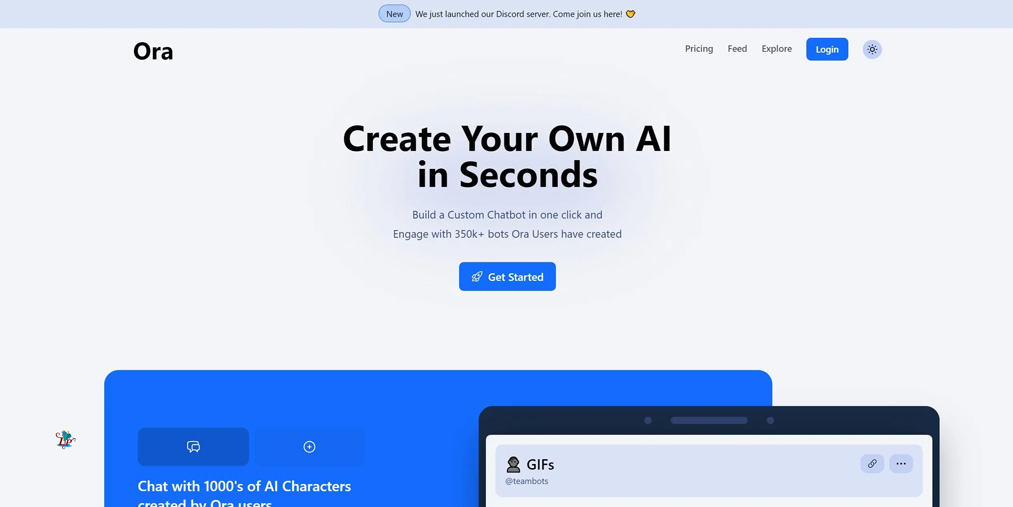
You can now use ChatGPT-4 for free on a website called Ora.sh! You might think there are only a couple of tricks, but there’s more to discover. Ora.sh lets you create apps that use language models in a chat format, and the best part is that you can use ChatGPT-4 without any message limits. Unlike platforms like Hugging Face, you won’t have to wait in line, so you can jump right in and start chatting without any hassle!
8: Nat.dev
Using ChatGPT-4 for free on Nat.dev, a platform created by Nat Friedman (the ex-CEO of GitHub), is pretty easy. Here’s a simple guide to get started:
First, open your browser and go to the Nat.dev website. If you’re new, sign up by entering your email and phone number and follow the steps to create your account. Once you’re in, head over to the settings on the right panel.
Next, To access ChatGPT’s newest version, switch the “Model” option to “GPT-4”. After that, go to the “Playground” tab. This is where you can type in your questions or prompts to chat with ChatGPT-4.
You can start asking anything you’d like, but keep in mind there might be some limits on how many questions you can ask in a day. Use this space to try out different prompts and explore what ChatGPT-4 can do. Nat.dev gives you a chance to interact with this powerful AI model for free, so feel free to experiment and see what it’s capable of!
Basic Tips for Using ChatGPT-4 Effectively:

Before you start using ChatGPT-4, it’s important to understand what it can do so you can make the most of it. Take some time to learn how it understands and generates language; this will help you get better results.
When you ask questions or give instructions, try to be clear and detailed. The more specific you are, the more accurate and relevant the responses will be. Good prompts can improve how well the model works.
Keep in mind that ChatGPT-4 has some limitations and may have biases, so always think critically about the answers it gives you.
You can experiment by trying different prompts, adjusting settings, and exploring the different features. The more you understand how it behaves, the better your experience will be, leading to more satisfying results.
Conclusion:
In summary, learning How to Use ChatGPT 4 for Free unlocks a range of possibilities. By trying out different approaches and following best practices, you can make the most of this advanced AI technology.
If you liked this article, then please subscribe to our YouTube Channel for WordPress video tutorials. You can also find us on Twitter and Facebook.
Pingback: How to Use ChatGPT to write a blog post 2024 - Lore Pearl